
02.1 / THE QUESTION
What changed?
Start with a specific question about the market or the work you follow. Not a number without context.
FROM SIGNAL TO NEXT MOVE
A clearer direction. A considered decision.
An AI assistant inside your workspace. From signals and evidence to a decision you own. Steel first.
From the bigger picture to your next move. Scroll to explore.
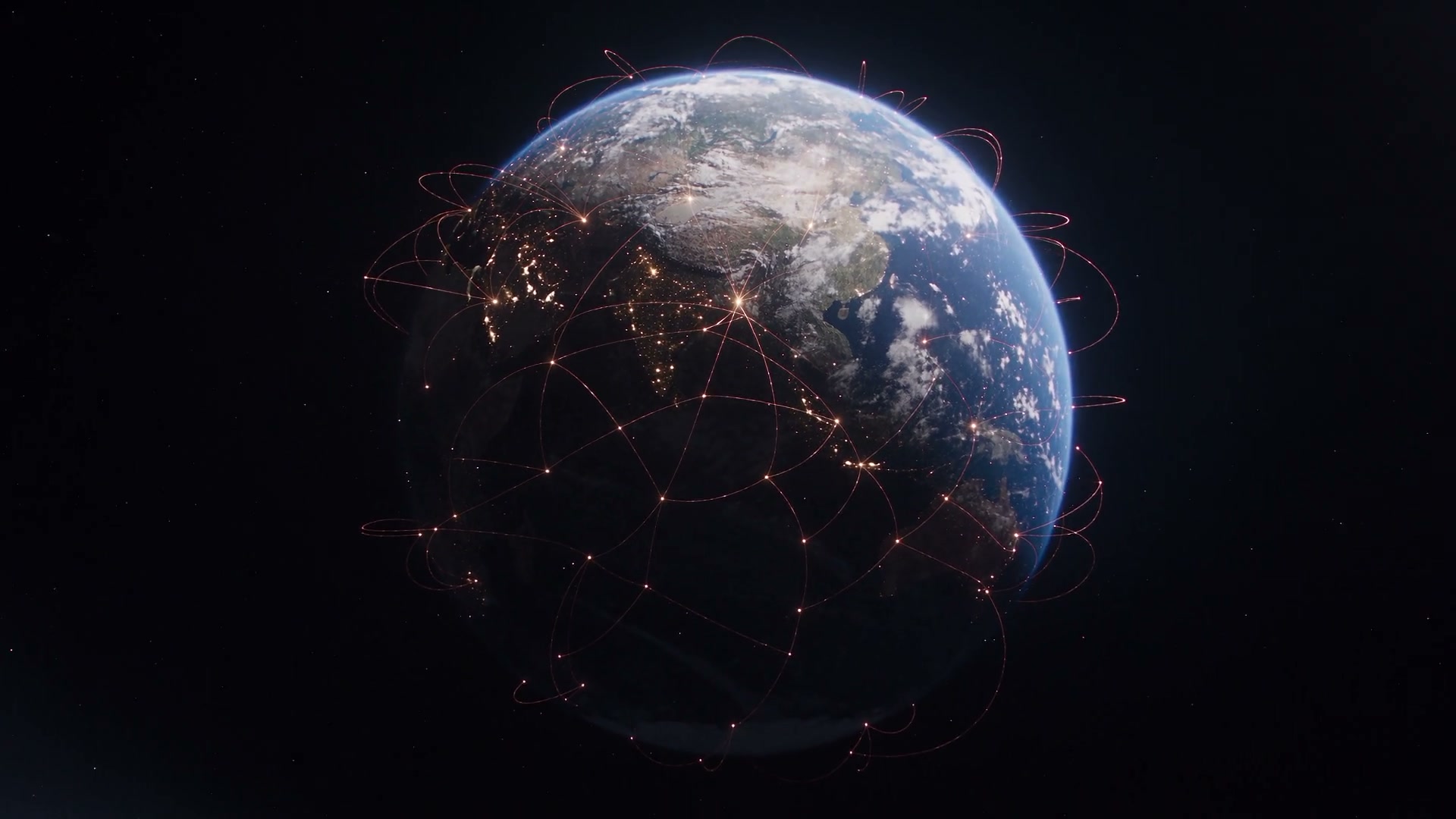
A visual film of industrial sectors and space, ending on a connected Earth. Illustrative motion, not live transactions.
Static orbital illustration. All content remains available without 3D graphics.
Inside North / The mobile experience
From a sector overview to source discovery and initiative health. Explore three different views from the app.
A verified capture of this screen is pending. We will not substitute a different screen.
A verified capture of this screen is pending. We will not substitute a different screen.
A verified capture of this screen is pending. We will not substitute a different screen.
A verified capture of this screen is pending. We will not substitute a different screen.
A verified capture of this screen is pending. We will not substitute a different screen.
A verified capture of this screen is pending. We will not substitute a different screen.
English screens, with provenance beneath each image. Not a live session or evidence that every feature is complete.
01 / Signal
Start with the market picture. Find the question worth your attention. The North workspace design brings your starting point and your next move into view.
EvidenceAn illustrative journey from question to follow-through. See the verified app captures together in one gallery, without repetition.
Business case / Supplier timing
Supplier noteUnverified
Has delivery timing changed?
Turn a signal into a specific question your team can investigate, not a premature conclusion.
NORTH / Workspace
The in-app North assistant is designed to help you read evidence, understand alternatives and frame the next move. This website is not a live assistant and does not make decisions for you.
North assistant identity · a visual transition, not a live conversation
Illustrative decision path · not live user activity
02 / Evidence
Connect your question to relevant evidence. Separate what is known from what is assumed, and review the source context before relying on it.
DecisionBusiness case / Supplier timing
Supplier note / illustrative text
Delivery timing may change.
UnverifiedSeparate what the note says from what it proves. Check the source, date and scope before relying on it.
02 / Workspace
Scroll down to explore the plates, or use the buttons.
02.1 / THE QUESTION
Start with a specific question about the market or the work you follow. Not a number without context.
02.2 / THE SOURCE
Review the origin and date. Missing evidence stays visible, rather than becoming manufactured certainty.
02.3 / THE OPTIONS
Compare the alternatives, their assumptions and their limits before choosing the next move.
02.4 / THE REVIEW
Connect the decision to an owner and a review date, so its context is not lost over time.
North assistant identity · a visual transition, not a live conversation
03 / Decision
Turn understanding into a specific next step: an action, an owner and a review date. Approval stays with you, not with a chart or a recommendation alone.
Follow-upBusiness case / Supplier timing
Options to discuss · neither selected
Bring options, assumptions and ownership together so the team can see why a decision is made.
03 / Workspace
A better question. Clearer context. Accountability that survives the journey from evidence to decision.
North assistant identity · a visual transition, not a live conversation
04 / Follow-up
Keep changes and upcoming reviews in view. Follow-up is designed to return a question to its context when circumstances change.
Request accessBusiness case / Supplier timing
Proposed follow-through
Before approval
Ask the supplier for confirmation and attach the source.
At the decision
Connect the next step to the decision and its reasoning.
If timing changes
Review assumptions with the owner before adjusting the plan.
Keep the decision’s context close, so your team knows what to revisit when circumstances change.
Mac + Windows / Coming soon
A designed direction for North on Mac and Windows. Coming soon; this preview is not a working release or a promised launch date.
Research brief / Supply chain
Illustrative weeks: 18, 21, 27, 24 days; baseline 18. Not a live market feed.
Illustrative records · no files attached
Decision draft
Compare a split order with the current plan, after the supplier confirms delivery timing.
Your approval stays essential
Static preview · no connected sources or saved decisions
14 / Sectors
Steel is the starting point. The other thirteen sectors describe the direction of expansion, not services available today.
14 sectors shown
No sectors match. Try another search.
NORTH / Request access
Explore the workspace and request access. Public links appear only after their release-verification gate is met.
Public release verification pending
Public release verification pending
Coming soon
Coming soon
Desktop is on the roadmap. No public installer is offered here.
Tell us about your team and what you want to work on.